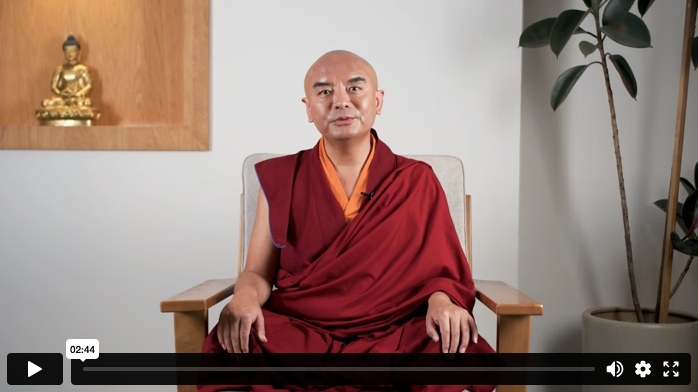
Talk With A Guide
One-on-One Conversations About Your Study and Practice
An important part of Vajrayana Online is having opportunities to ask questions about your own practice and path. If at any time during this course you have questions, please feel free to set up a talk with one of our guides. This will allow them to get to know you so they can offer you personalized advice on using this program. These talks are offered via Zoom.
The talks are twenty minutes long and are meant to provide space for you to ask questions about any aspects of Vajrayana Online or your practice, or to share your experience in working with any of the elements included in our courses. The guides will be adding their availability throughout the year. If you don’t see a date and time that fits your schedule, please check back later or check another guide’s availability.
Please make sure the Time Zone Selector (above the available time slots) is set to your time zone so that all available time slots are displayed in your time zone. Once you have selected a date and time for the interview and filled out the appointment form below, we will send you more details.
Preparing for the Talk
To make the most of the time with our guides, you might want to prepare by thinking about what you would like to ask and prioritizing questions. Keeping the questions as clear and succinct as possible will help you to use as much of the time as possible for discussing the issues that are most important to you.
Questions about booking a talk? Contact VOLsupport@tergar.org.
You must be logged in and have an active Vajrayana Online membership to schedule an interview.

2026© Tergar International. The Tergar logo is a registered service mark of Tergar International.
Tergar International is a 501(c)(3) non-profit organization dedicated to transforming hearts and minds by making the ancient wisdom of meditation accessible to the modern world.
Google Calendar
Outlook/iCal
1. Click the “Add to Google Calendar” button below. A calendar preview page will open in your browser.
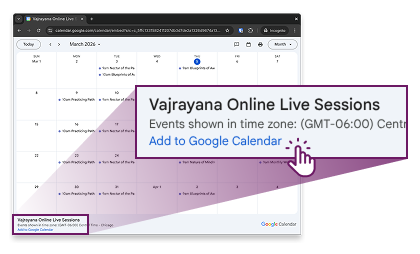
2. On that preview page, look for the “Add to Google Calendar” link, and click it. On desktop, it's the small blue link in the bottom-left corner:
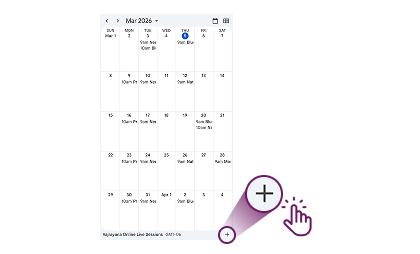
On mobile, it's the plus (+) sign in the bottom-right corner:
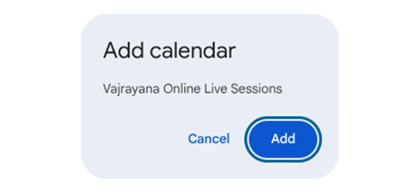
3. Your personal Google Calendar will open. When prompted, click “Add” to confirm.
4. Done! The Vajrayana Online live sessions will now appear in your Google Calendar.
1. Click the button below to download the ICS file.
2. Click on the downloaded file to open it directly in your calendar app, or import it manually (usually under “File” or “Settings” in your calendar app).
3. Done! The Vajrayana Online Calendar will now appear alongside your other calendars.
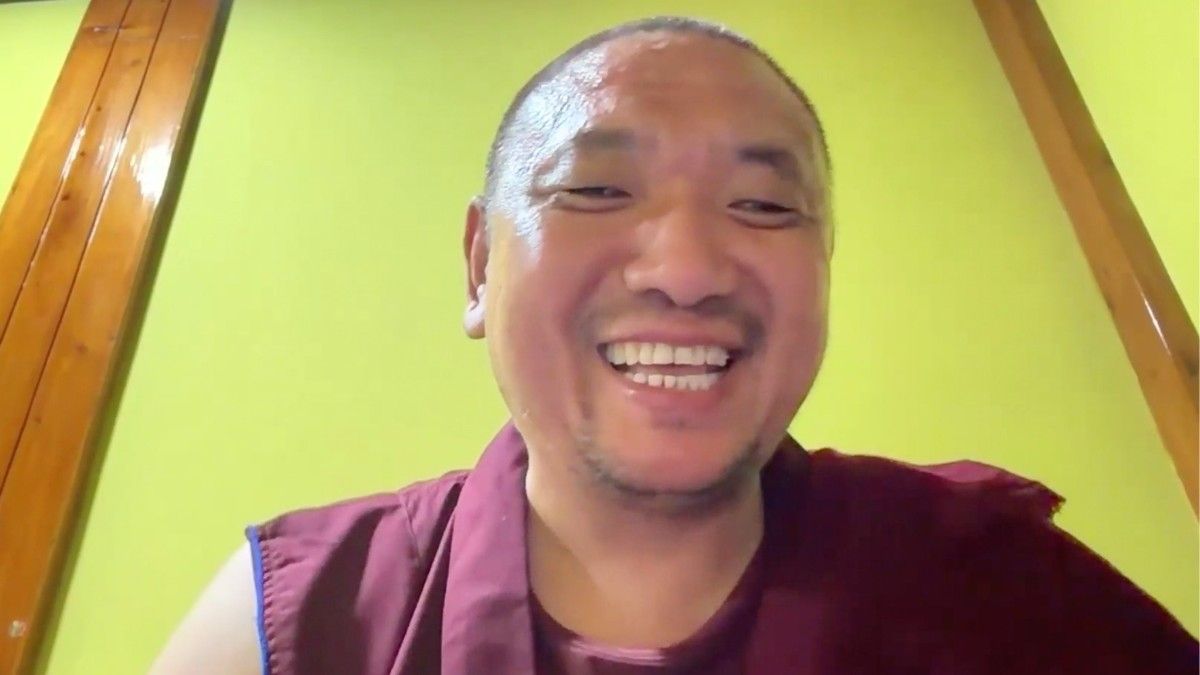
This Saturday: Vajrayana Online Monthly Webinar with Khenpo Kunga
July 18, 2026, 10 AM US ET
To close the Blueprints of Awakening Immersion, Khenpo Kunga will offer one final teaching to help us deepen our practice and integrate the course material. No registration is required. The Zoom link is available on our Live Sessions page.